

This is a story of an aging techie forced to wrangle with decades worth of passwords in an age of fast-moving cyber threats. It is suspiciously similar to finding decades of paperwork and various forms of records storage in a packrat’s 50-year-old house, but with substantially more urgency.
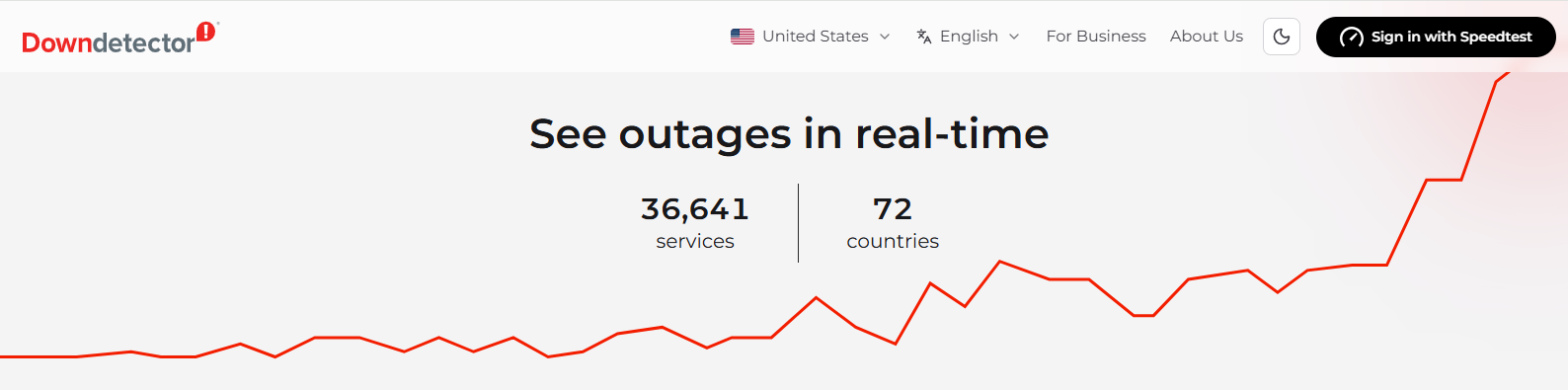
First, the setting. Last week cybersecurity experts announced a flaw in PHP (Personal Home Page) software that made about 70% of the world’s websites vulnerable to hacking. The flaw was uncovered by AI agents, and has existed for decades. Many organizations took their websites offline while they installed patches, as evidenced by the spike in offline web services a day or two later.
In light of this new vulnerability, cybersecurity experts posted reminders to use password managers and review entries for duplicate, weak and no-longer-needed logins. I’d received an increasing number of alerts that my usernames and passwords had been compromised recently, so I decided it was time to declutter my pile of account logins.
I’ve been on the interwebs for over three decades and accumulated over 600 login entries, some of which have been sadly ignored. I created my first passwords in the early 90s, when the Internet was young. Back then, passwords were only allowed to contain letters, sometimes numbers, and had to be short. I kept track of passwords in my head by reusing them or creating them with a simple mnemonic. The unique ones I kept written in a little notebook that I kept close.
Password complexity has increased with time; the longer and more complex a password is, the longer it takes to decipher it with sophisticated hacking software. When password managers became available, I gradually transitioned all my passwords into a manager to simplify dealing with that complexity. I update my most critical logins every six months. Given that updating those 15 or so passwords take a couple of hours, I wasn’t looking forward to tackling 600.
Supposely a password manager makes updating passwords easier. Some password managers tell you if your password has been compromised, and most of them will generate a complex, unique password quickly. But you have to go on a snipe hunt to discover where each website has hidden its “update password” link, and every website has its own requirements for password length and allowable characters. This means when the password manager creates a new password, I may have to edit it to make it compatible with a site’s requirements. And I have to save the new password in the manager after updating (a task I have occasionally omitted, much to my later chagrin). I tried to teach my octogenerian spouse this process, but he threw up his hands after the third attempt and exclaimed, “I’m unteachable.” So I inherited the task of updating his 120 passwords too.
When I started password decluttering, I discovered several were only 8 characters long and looks suspiciously like words, some were amazingly old (one said it was created 56 years ago?!), and many were duplicated, although some of those were multiple entries for the same website. I discovered websites I no longer used, and others that no longer existed. Some websites accepted my login, but didn’t contain any of my data–not even my name.
My first impulse was to delete the entries for those useless logins. However, with so many websites going down to install PHP patches last week, I couldn’t always tell whether the website was dead, or, like the Monty Python parrot, just resting. I tried the recommended process of sending an email to request those accounts be deleted. The few responses I received told me to look in the website’s messaging system for a new message (wish I’d known that BEFORE I deleted its login) or asked me why I wanted to delete an inactive account. Hopefully any hacker who steals that login will discover they wasted their time.
Too many hours later, the process was finished. Decluttering cruft accumulated over decades has never been my favorite thing, but I feel virtuous for having done it. And increasingly inclined to think thrice before creating any new accounts.
So much for automation simplifying record keeping.
No AIs were used or harmed in creating this blog post.


